How to use Cloudflare Turnstile & integrate it into your website!
Wondering how to use Cloudflare Turnstile? In this blog, you'll learn how to integrate it into your website!
Step 1: Create a Cloudflare account
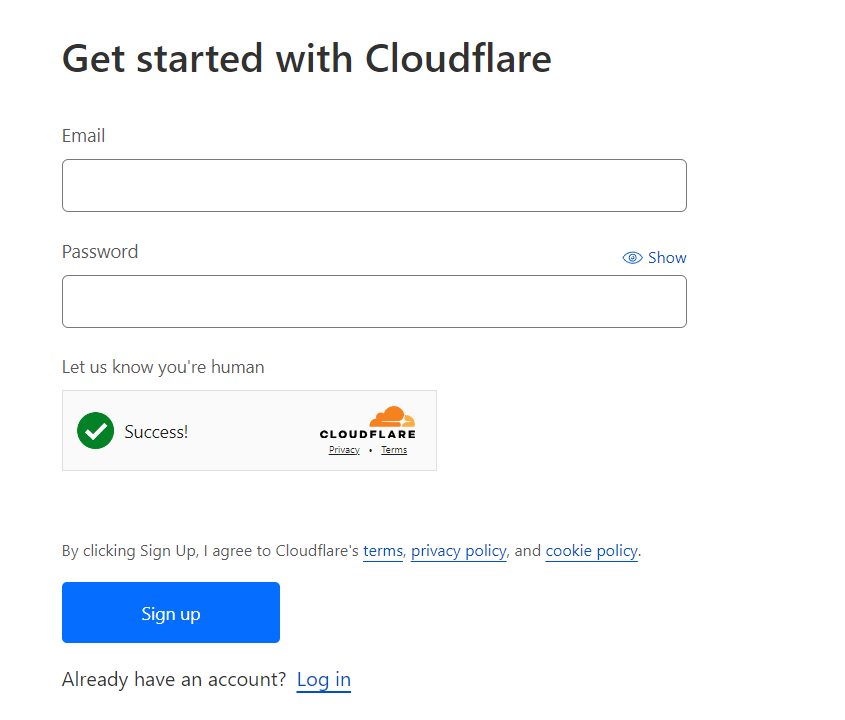
Cloudflare is a service that connects and protects people and data. Create an account by navigating to the "Sign Up" button on the Cloudflare website. If you have an account, log in.
Step 2: Navigate to "Turnstile"
After creating an account, go to the sidebar and select "Turnstile." Click "Add Site" to add your site domains and choose settings.

Step 3: Integrate Turnstile with your website
After creating a Turnstile Site, integrate it with your website. Copy your site key from the settings.
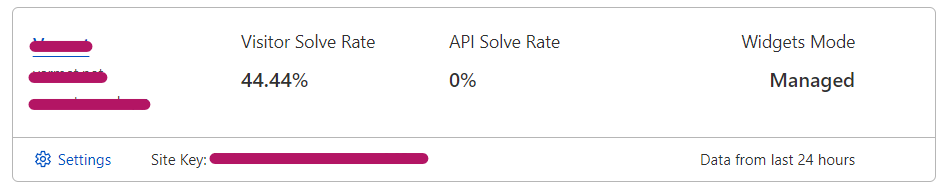
Click on settings.
Now, copy your site key. Don't lose it, you'll need it later!
Now, please navigate to your website code for the setup process.
Once you are there, navigate to the page you would like to add the Turnstile to. This could be a form, quiz or anything really.
Please navigate to your 'head' tag.
Add the cloudflare challanges code below to your 'head' tag:
<script src="https://challenges.cloudflare.com/turnstile/v0/api.js?onload=_turnstileCb" async
            defer></script>
Once you have added that, we can now add the challange to our HTML code. Navigate to your 'body' tag.
Add the following code to your body. Make sure to put it where you want the turnstile to be!
<div class="g-recaptcha" data-sitekey="{YOUR_SITE_KEY}"></div>
Replace "{YOUR_SITE_KEY}" with your actual site key from earlier.
You have now integrated Cloudflare Turnstile! But, let's say you wanted to have it work for example you need to complete the captcha before you can proceed. In order to do this, you should have a submit button somewhere on your html if this was a form or quiz. Please set the type to 'submit.' You can do this by using the 'type="submit" After doing this you can integrate turnstile.'
Use the example below to guide you:
            document.addEventListener('DOMContentLoaded', function () {

            const form = document.querySelector('your_form_id');


            form.addEventListener('submit', (e) => {

            e.preventDefault();


            const captchaResponse = grecaptcha.getResponse();


            if (!captchaResponse.length > 0) {

            alert('Please complete the captcha!');

            } else if (!isValidEmail(email)) {

            alert('Please enter a valid email address!');

            } else {

            // Submit the data... or form?

            }

            });
You have now integrated Cloudflare Turnstile into your website! If you have any questions, please do not hesitate to reach out to the Cloudflare Developers Form.